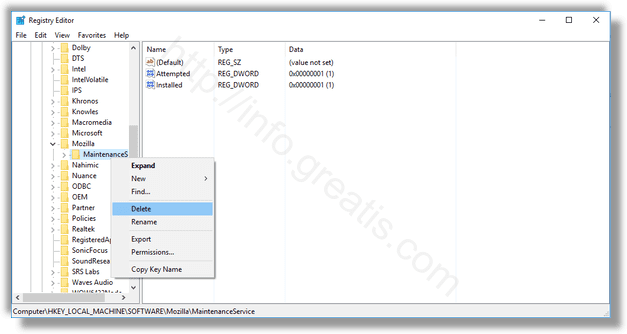
Here is a step by step manual how to delete a key from Windows Registry:
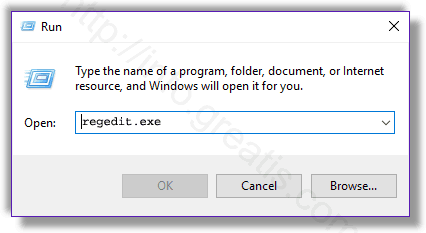
STEP 1: Run a “Registry Editor” console.
Press Win+R, type in: regedit.exe and press OK.
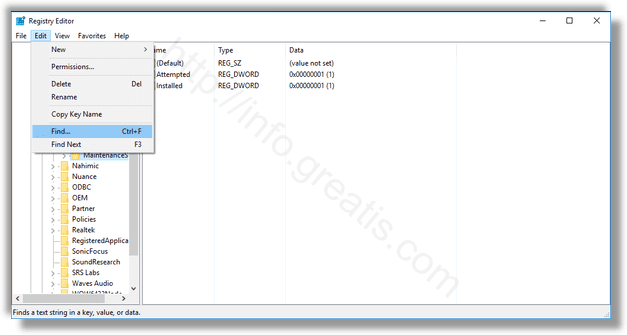
STEP 2: Open a Find dialog to find your key.
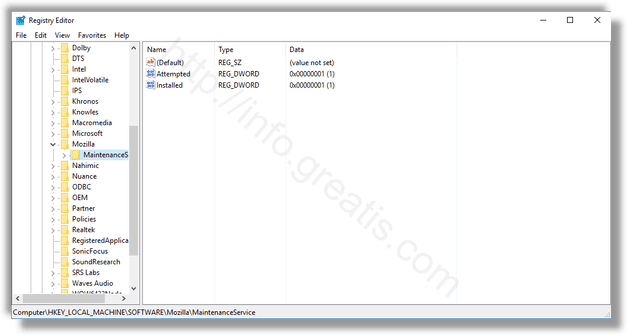
STEP 3: Select your key.
STEP 4: Delete your registry key.
Right-click on key’s name and choose Delete.